Adding course your course to Linkedin

Click the button or link in your email:
? Add to LinkedIn Profile
This opens LinkedIn in a new browser tab.
Check the pre-filled details.
You’ll see a form that already includes:
Add your completion date
Click “Save.”
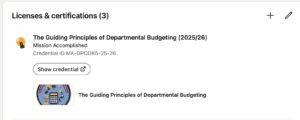
Your certification will appear under the Licenses & Certifications section of your LinkedIn profile.
- Course name: The Guiding Principles of Departmental Budgeting (2025/26)
- Organisation: Mission Accomplished
- Certificate ID: MA-GPODB5-25-26

Make sure the organisation field says “Mission Accomplished.”
If it doesn’t appear automatically, start typing Mission Accomplished and select it from the drop-down list.
(This links your certificate to the official Mission Accomplished company page on LinkedIn.)
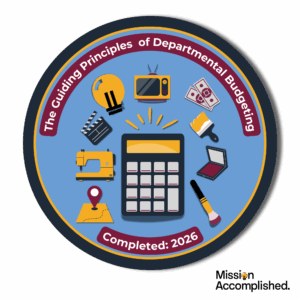
Click on Linkedin Badge to download